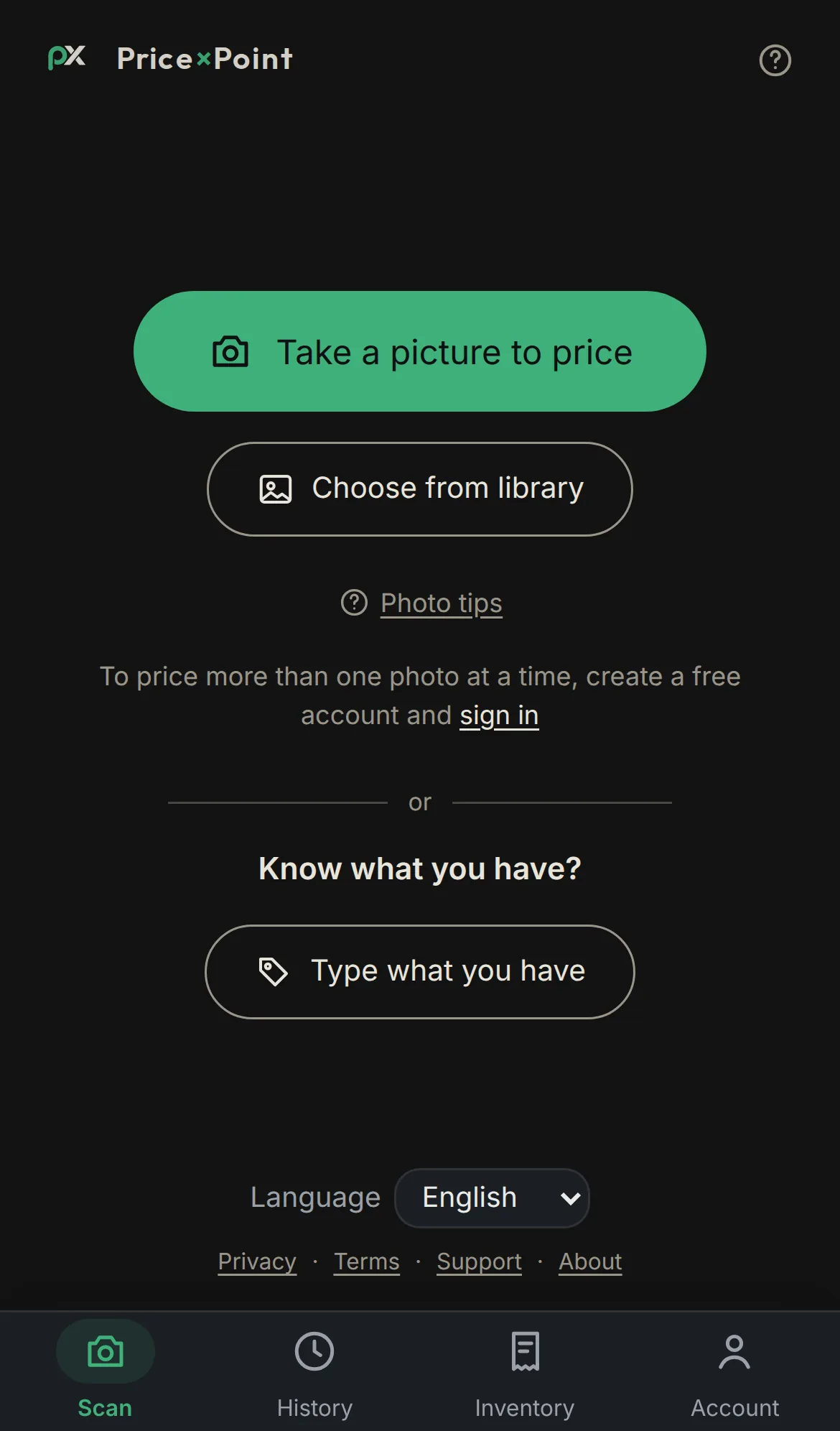
Three ways to start
Take a picture, choose photos from your library, or — if you already know what you have — type what it is, or import a CSV. Your first scans are free; sign in when you want more (and to price several photos at once).
Point your camera at anything — Price×Point identifies it and tells you the real resale value from live sold-listing data. Declutter smarter, sell for more, never lowball yourself again.
Free to start · No card required
One item or a whole tableful — point your camera at anything you want to price.
We detect every object in the shot and figure out exactly what it is — brand, model, edition.
Live prices from actual sold listings across eBay, Mercari, Poshmark and more — not guesses.
Everything the app does, in the order you'll meet it.
Take a picture, choose photos from your library, or — if you already know what you have — type what it is, or import a CSV. Your first scans are free; sign in when you want more (and to price several photos at once).
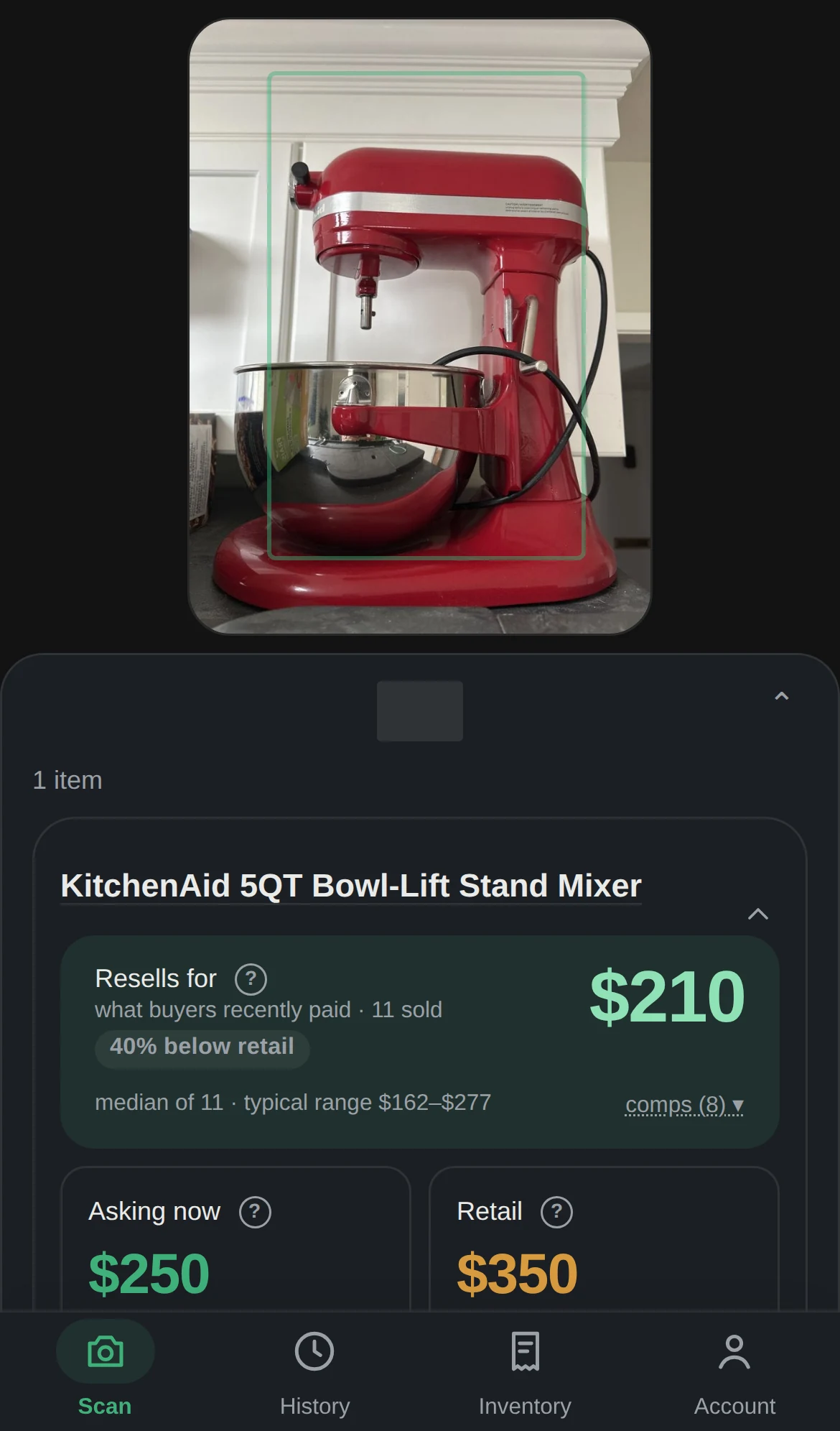
Each item gets up to three values: what it lists for new, what sellers are asking used, and what it actually sold for used. Sold and asking measure different things — sold includes auction finishes and accepted offers, asking is current fixed-price listings — so sold can sit above asking on in-demand items. That gap is real market spread. Every figure links to the live listings behind it, and a live timer shows the scan working (most finish in about a minute).
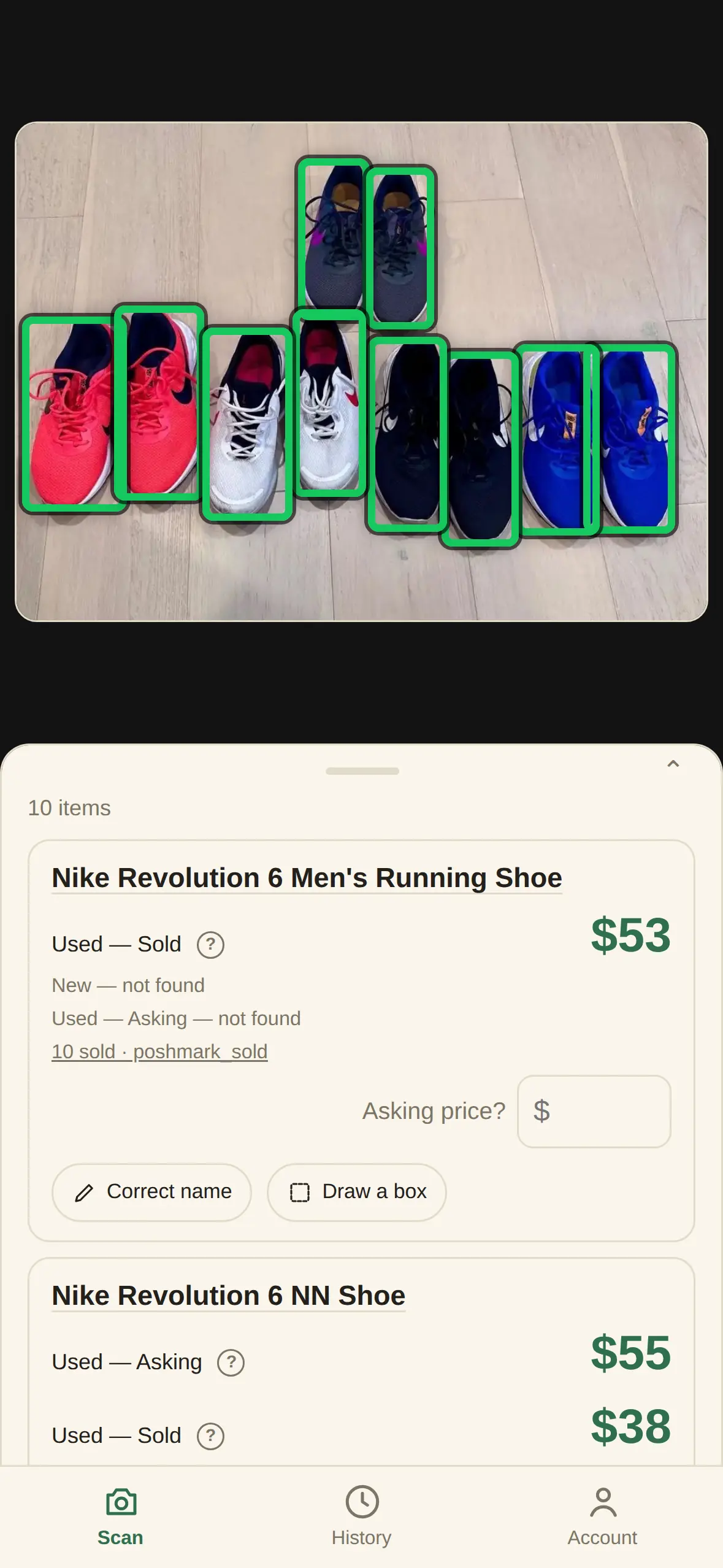
Point the camera at a tableful and every item is detected, boxed and priced on its own — its own value, its own source links. Submitting several photos works the same way, each photo getting its own section and subtotal.
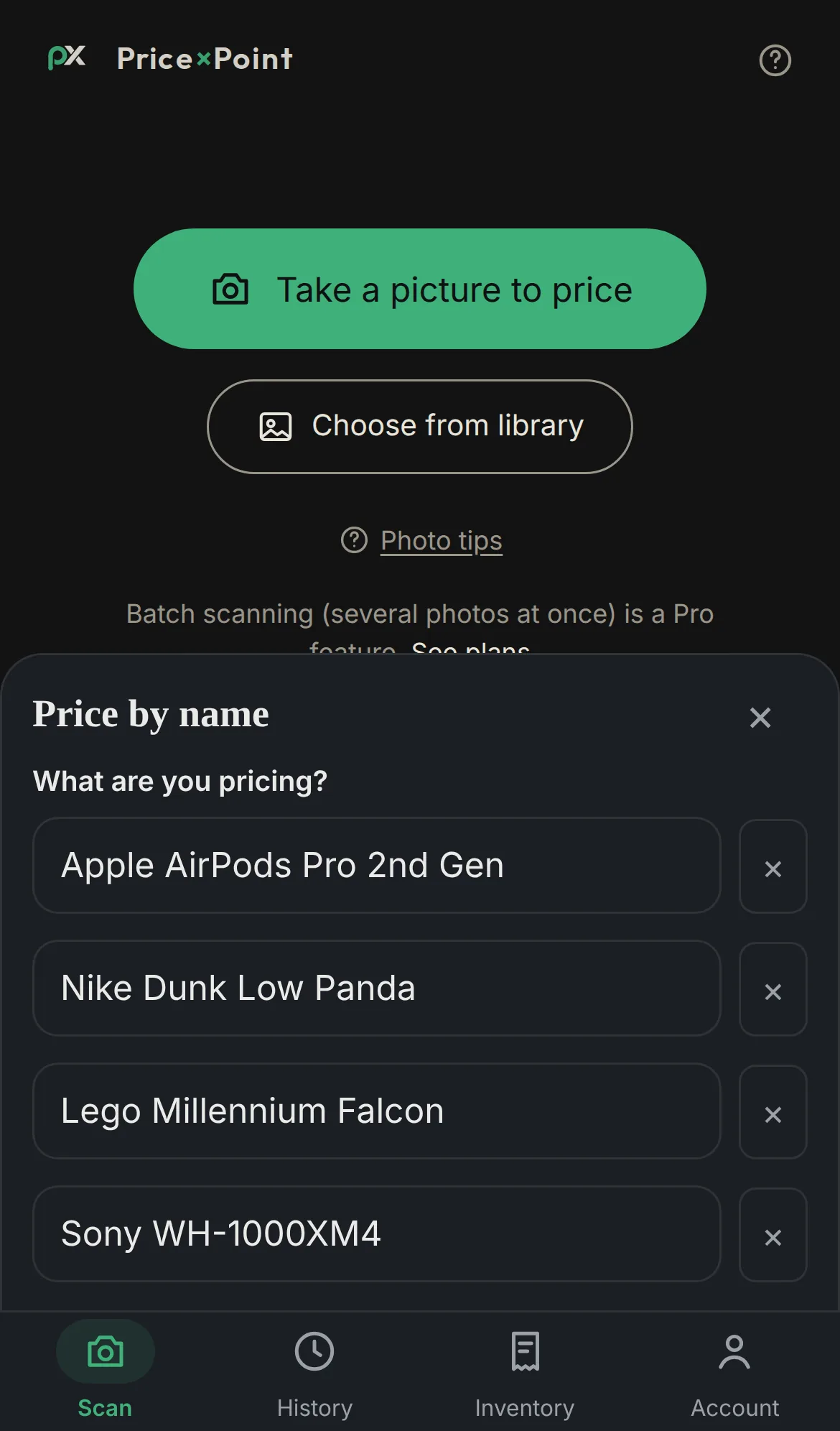
Know exactly what you have? Type each item by hand, or import a spreadsheet — one column, one item per line (a header row is fine, up to 100 items). We search exactly what you type, so include colour, size or model if you know them. A CSV opens the list pre-filled so you can review and edit first; nothing is charged until you tap Price it, one token per priced item.
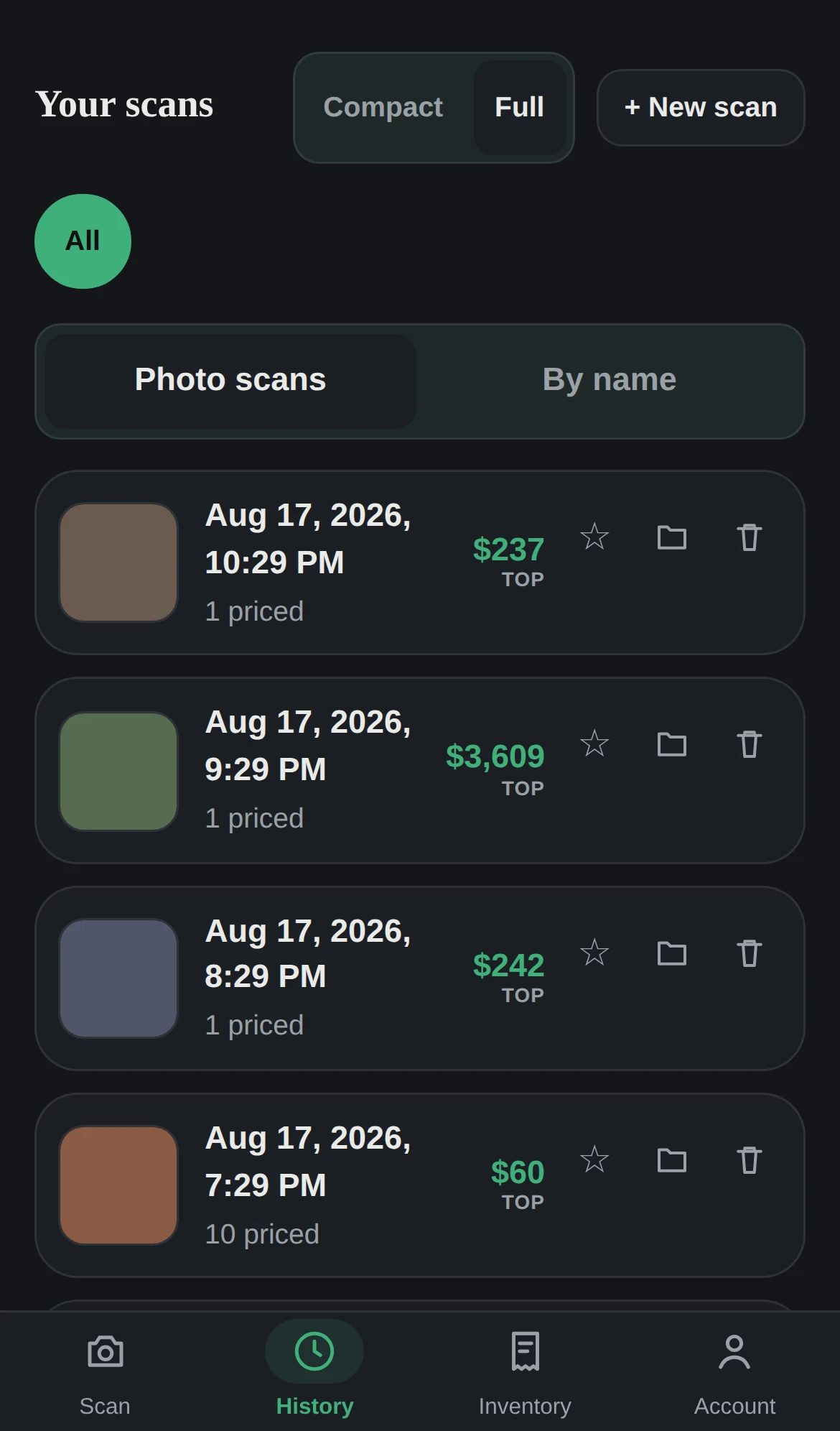
Signed-in scans are saved for 90 days — pin the keepers to hold them forever. Export any scan to CSV: items, every comp price behind each aggregate, and the source links, ready for a spreadsheet.
Start free — 10 lookups when you join, 5 more each month. One token prices one item; subscribe for the best per-item rate. Monthly tokens expire when the next month's arrive; tokens you buy never expire.
See plans & tokens →📱 iPhone & Android apps coming soon.
Part of the Axon Analytics family.